Most engineering teams now have AI agent config files sitting in their repos. CLAUDE.md tells Claude Code how to behave, while AGENTS.md does the same for other agents. .cursorrules, copilot-instructions.md, and a handful of similar files do the same job for other tools. These files live alongside your source code, get reviewed less often than the code itself, and shape what your AI assistants actually do.
Almost nobody runs static analysis on them, and that's an issue. They contain instructions, context, and, sometimes, secrets. A vague instruction in CLAUDE.md may lead to inconsistent agent behavior. The same thing happens if AGENTS.md and .cursorrules are in conflict. What happens when an API key is inadvertently copied into a configuration file is even worse.
The good news: Codacy now supports AgentLinter as part of its analysis toolset.
AgentLinter is an open-source static analysis tool that scans AI agent configuration files. It supports config files for Claude Code, Cursor, GitHub Copilot, Windsurf, OpenClaw, and Moltbot. The full project lives at agentlinter.com.
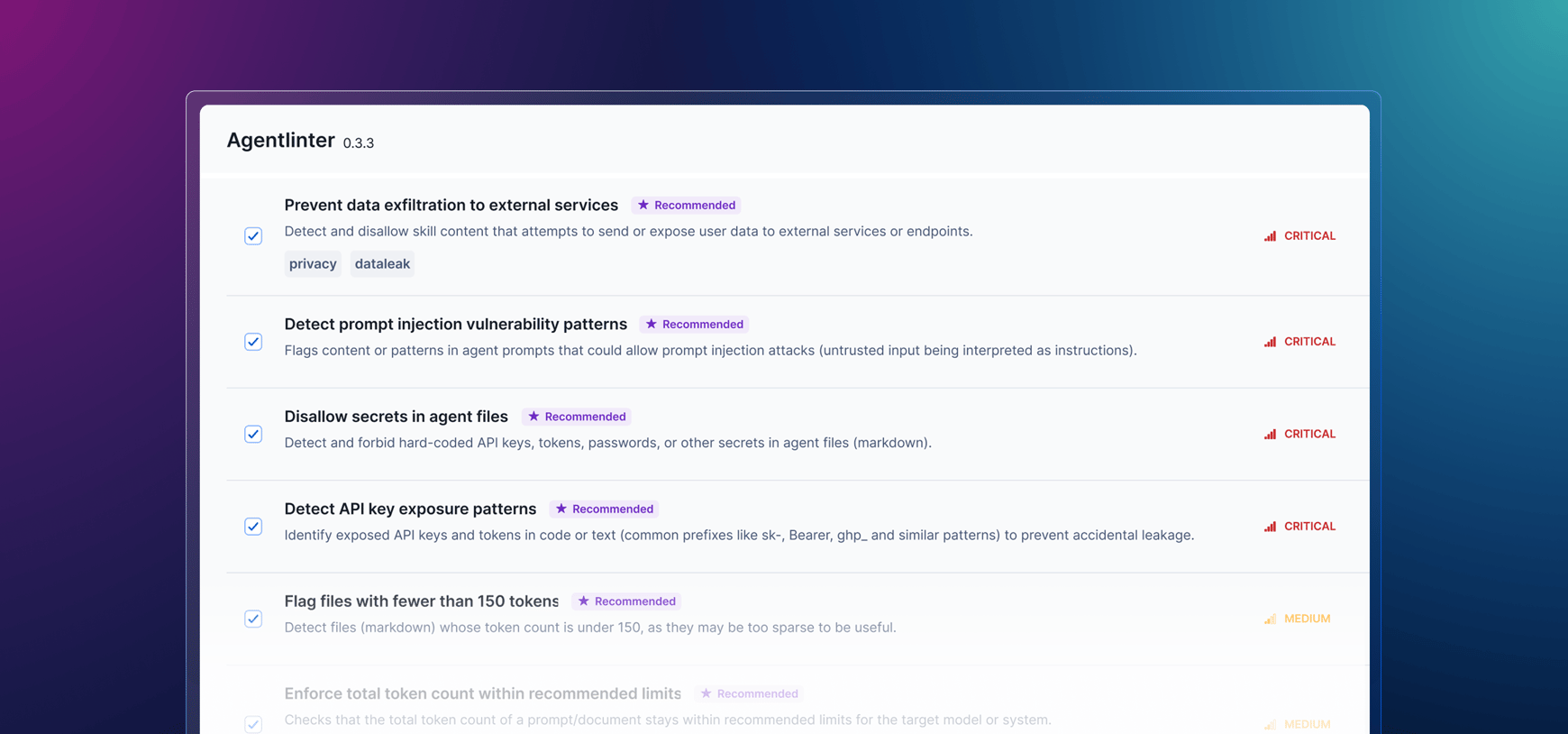
It runs 102 patterns across multiple severities and categories, scoring each file across eight dimensions: Structure, Clarity, Completeness, Security, Consistency, Memory, Runtime Configuration, and Skill Safety.
Among the specific items it captures are:
AgentLinter provides you with actionable prescriptions and auto-fix recommendations.
Like all Codacy analysis tools, AgentLinter runs in a tightly controlled sandbox. This means the environment is completely locked down, there is zero internet access, and no way to elevate permissions, keeping your config files entirely safe.
Inside Codacy, AgentLinter appears as a standard analysis tool in your organizational Coding Standards and repository-level Code patterns. It is enabled by default for all newly added repositories. For existing repos, it can be turned on and configured the same way you would enable any other tool on Codacy. Findings surface in the same dashboards as your other Codacy issues. There is no separate setup and no new workflow to learn.
One current limitation is worth naming: Some AgentLinter findings are associated with the workspace rather than a specific file (for example, “no priority guidance found”). Codacy currently requires file-level issue association, so those workspace-level findings are filtered out for now.
AgentLinter is part of Codacy’s broader effort to give engineering teams visibility and control over AI risk across their development workflow.
AI Risk Hub already helps define enforceable code-level AI policies to prevent AI-specific coding risks from being introduced in your codebase, while the new AI Inventory tells you which AI tools your developers are using. With the addition of AgentLinter, Codacy now makes sure that the instruction files those tools depend on are clean, consistent, and free of secrets.
Add a new repository to Codacy, and AgentLinter will run on it automatically. For repositories you already have connected, you can now enable AgentLinter in your existing Coding Standards.
Codacy is always open to feedback from users to streamline direction. Drop us a line at support@codacy.com.
Stay updated with our monthly newsletter.
.svg)